PAGE 01
Five named examples
This is a small lookup selection. Open the linked community reference for its full Hearth & Barrel catalog.
| Name | Category / appearance |
|---|---|
| Teddy Bear | Toy; dog figure |
| Thorlar | Toy; red octopus |
| Arcane Software | Orb; green |
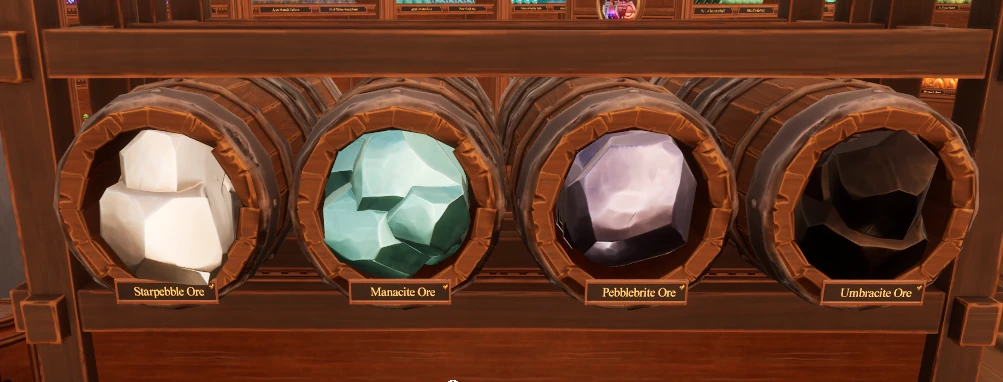
| Starpebble Ore | Ore; white |
| Kakarotto | Vegetable; carrot |
PAGE 02
Confirm a shelf that is already labeled
Mouse over its placard to display the item name. Compare that text with the object you are carrying before placing another copy.
PAGE 03
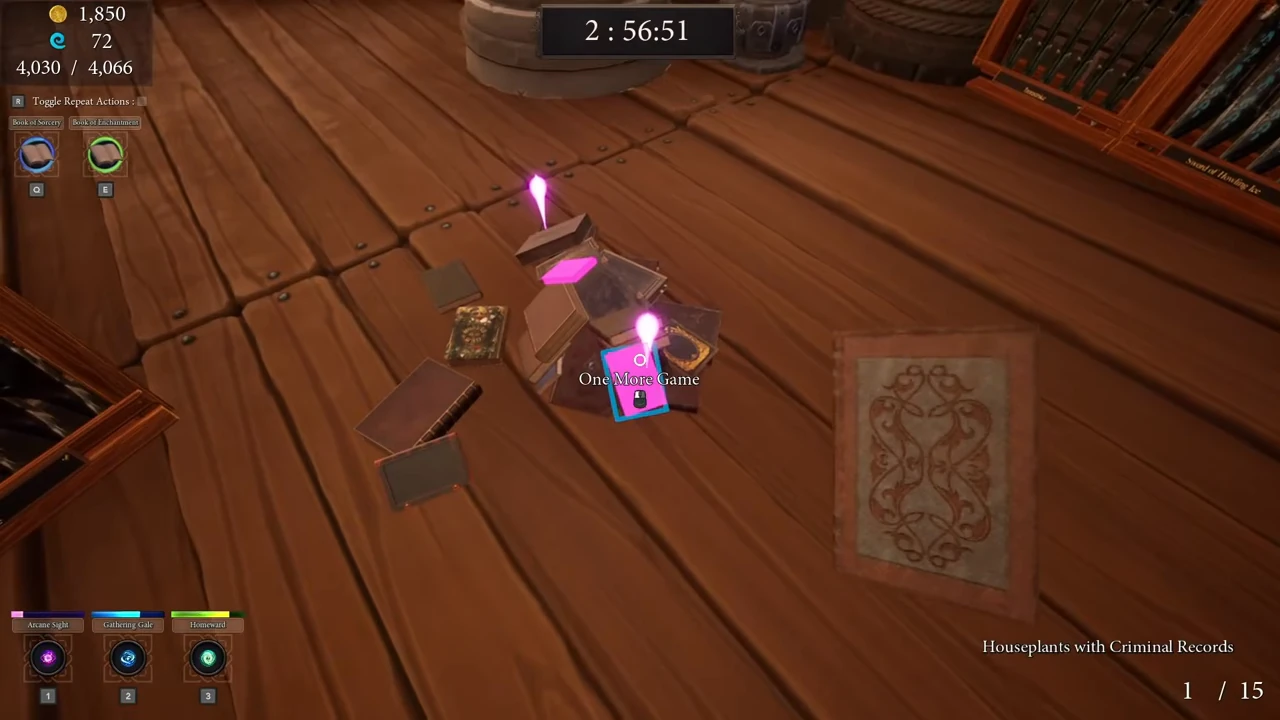
Use Arcane Sight on one named item
- Pick up one copy of the item you still need to place.
- Activate Arcane Sight while holding that copy.
- Follow the revealed matching loose items or the shelf already used for that item, then confirm the placard name before placing it.
PAGE 04
Recover an item that is stuck or missing
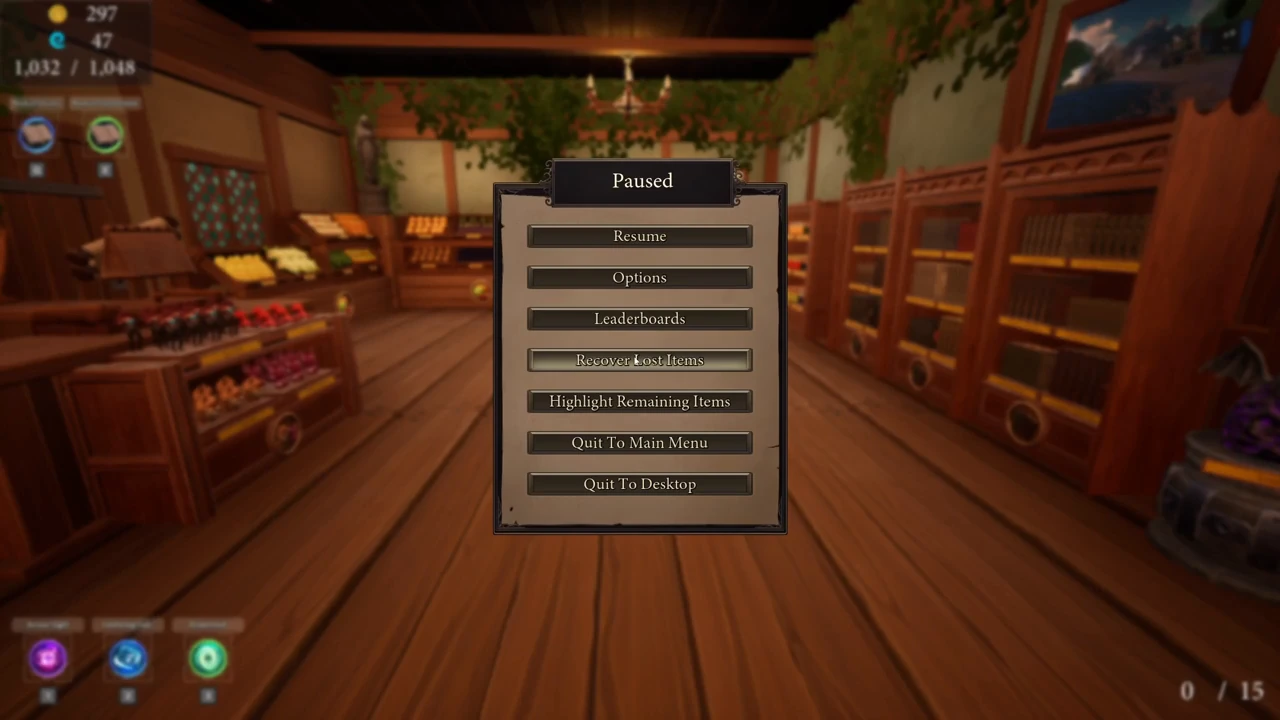
Open Pause and choose Recover Lost Items. This is a recovery tool, not a substitute for identifying the correct shelf: after recovery, inspect the returned objects and place each one by name.
The August updates improved cleanup when only a small remainder is left. If nothing appears, finish another visible category and try again; a Steam discussion records one potion returning only after the book work was completed.
PAGE 05
Choose the next lookup by shop and category
| Need | Go next | Use this check |
|---|---|---|
| Books | Books guide | Compare full titles and editions |
| Potions and bottles | Potion guide | Match family, variant and placard |
| Weapons | Weapon reference | Use the rack emblem and item name |
| Final loose objects | Sorting guide | Highlight or recover only after a normal sweep |
PAGE 06