PAGE 01
Start a run for the shop you want
- Select the shop, then Start New Timed in its Core section.
- Sort every object to finish the level.
- Use the completed-shop return option if you want to walk through the finished display.
PAGE 02
Know when the recorded run has ended
After completion, the Timed timer stays stopped and the leaderboard no longer updates for that save. Walking around the finished shop will not extend its recorded time.
PAGE 03
Prepare the next attempt
A faster attempt requires a new Timed run rather than continued walking in the completed save.
PAGE 04
Check the run and leaderboard controls
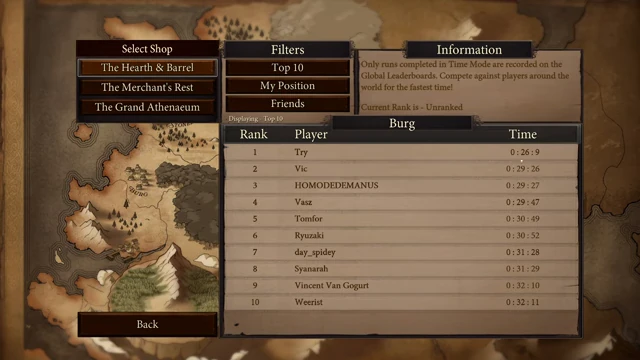
A running timer appears at the top of the shop view. Pause includes Leaderboards; the leaderboard screen offers Top 10, My Position and Friends filters.
PAGE 05
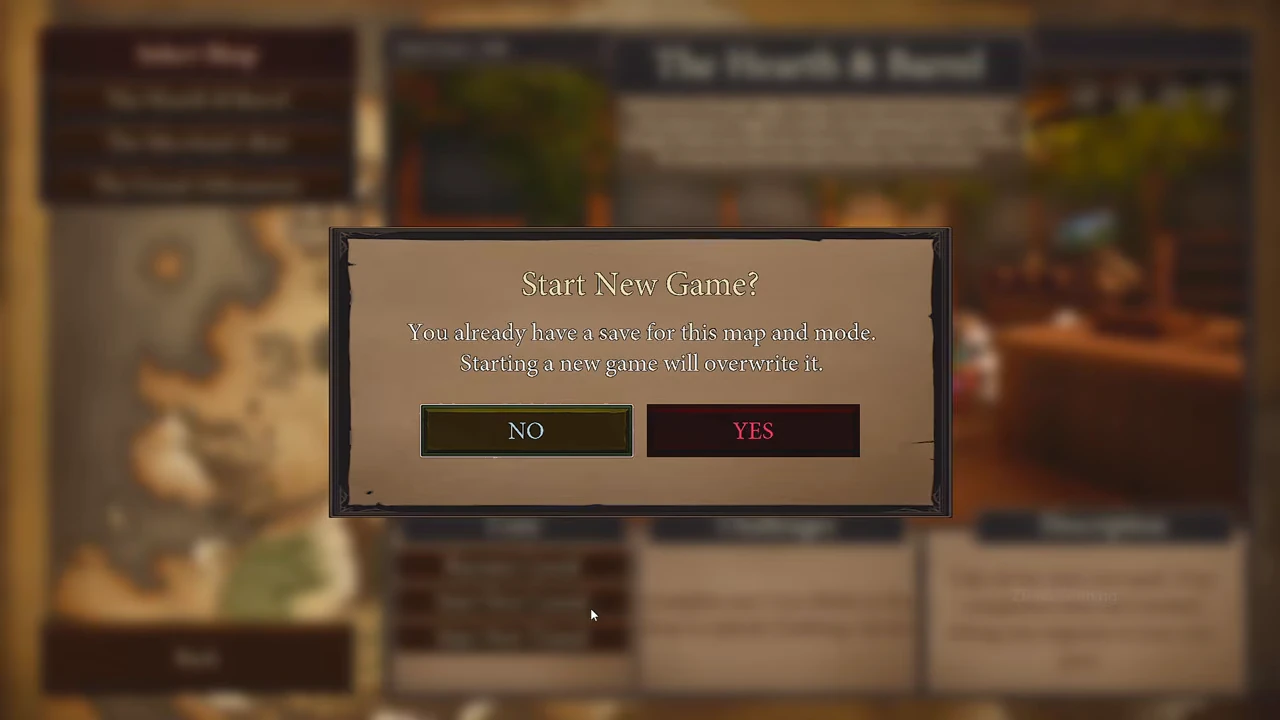
Keep or replace an existing save
Starting a new game can replace an existing save for that map and mode. The confirmation gives No and Yes; use No if you want to keep the existing run.
PAGE 06
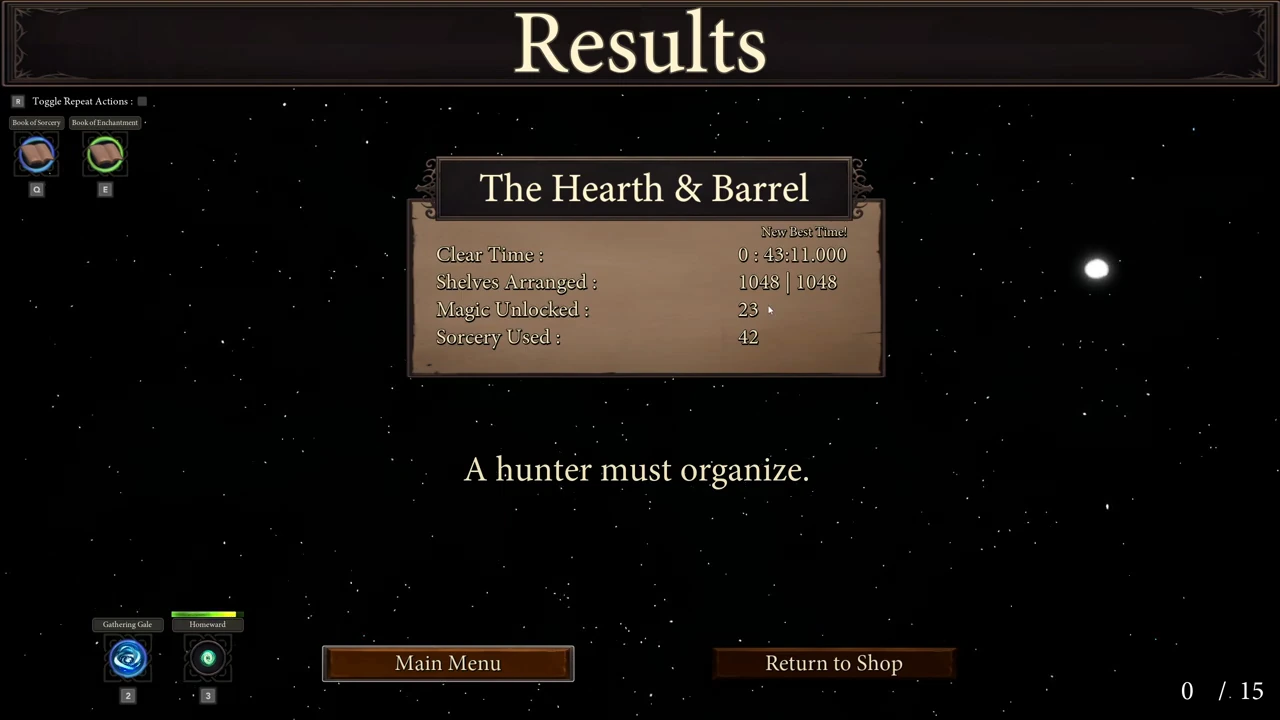
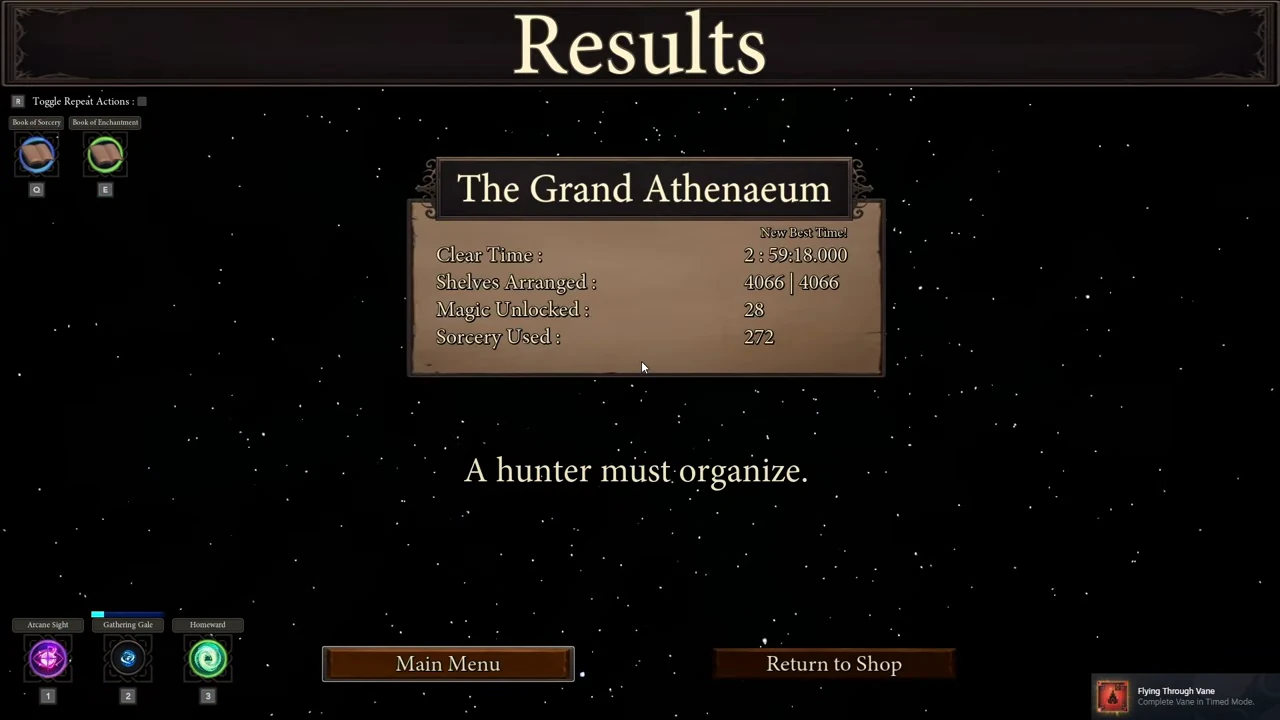
Read the completed Timed result
- Finish the last required placement and wait for Results.
- Read Clear Time and Shelves Arranged. This Grand Athenaeum run finishes at 2:59:18.000 with 4,066 / 4,066 arranged and a New Best Time label.
- Use Return to Shop at the bottom to revisit the finished display, or Main Menu to leave.
PAGE 07
Find your completed run on the leaderboard
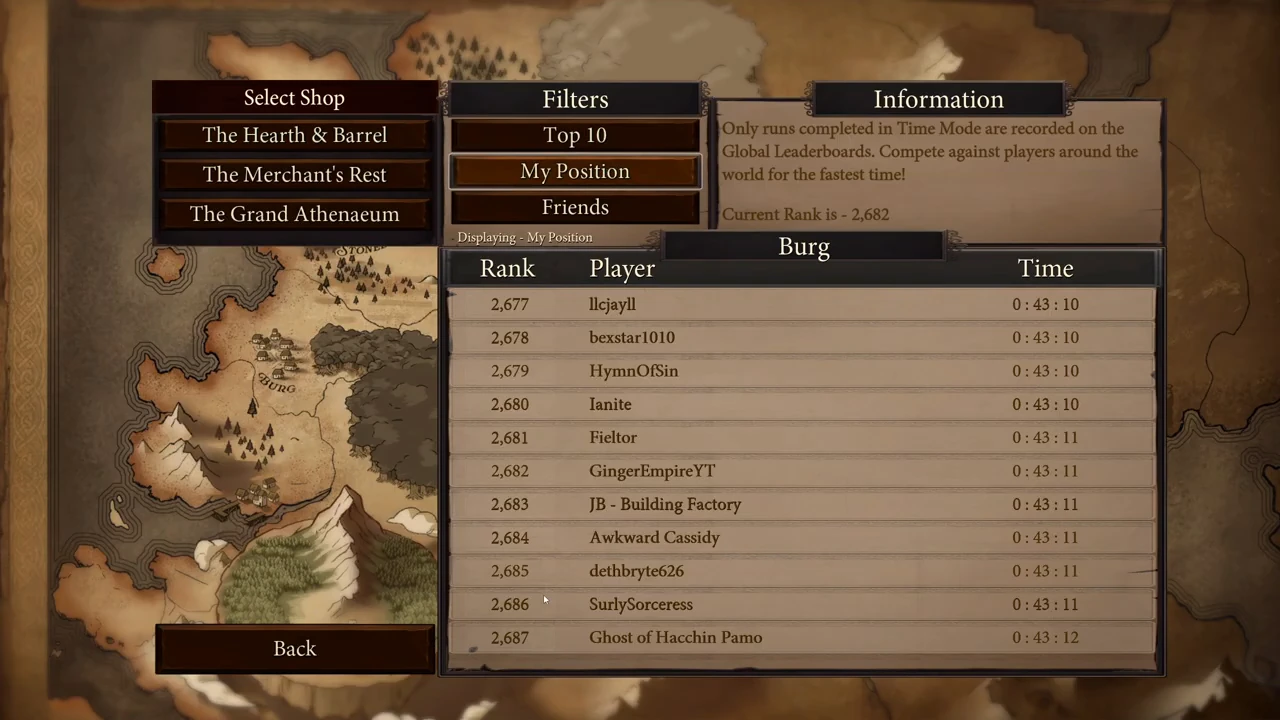
This August 24 Hearth & Barrel example finishes at 0:43:11.000. The same time appears as 0:43:11 in the player’s leaderboard row.
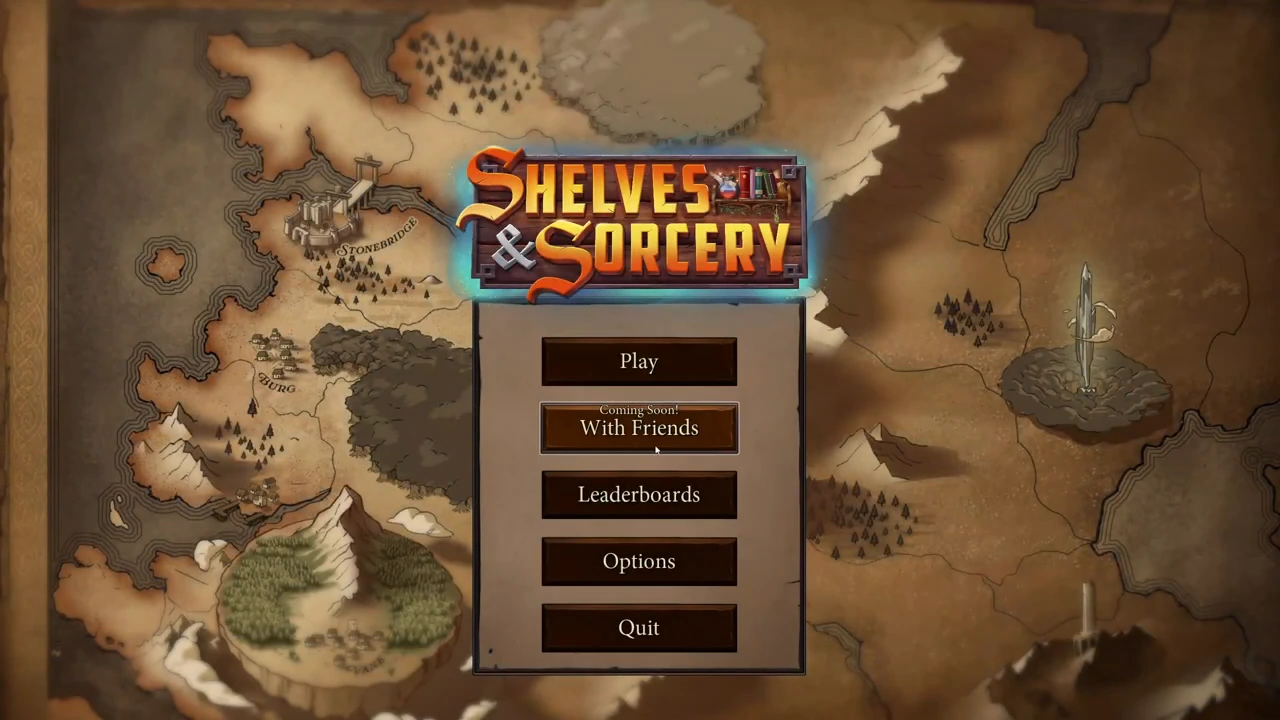
- After reading Results, choose Main Menu.
- Open Leaderboards and select the same shop.
- Choose My Position to locate your row, then compare its time with the completed result.