PAGE 01
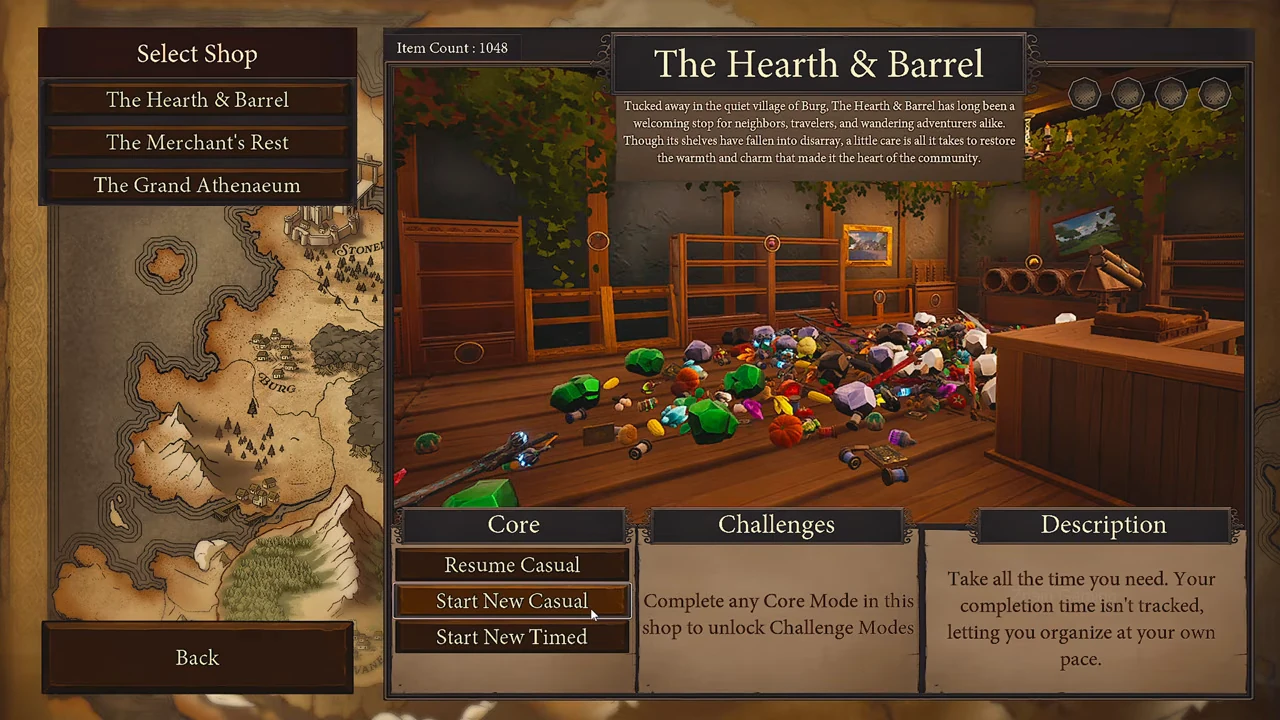
Start the shop from its own menu
- Select The Hearth & Barrel in the shop list, then Start New Casual under Core.
- If an existing save warning appears, choose No to keep it. Choose Yes only when you intend to replace the save for that shop and mode.
PAGE 02
Make the first placement
- Pick up an item and approach shelving for its category.
- Aim at an available position. A changed cursor signals valid placement; otherwise move closer or try the matching category.
- Place the item, then continue that collection until its shelf is full.
PAGE 03
Check the result
The First Shelf requires one correctly placed item; The First Collection requires one completed shelf.
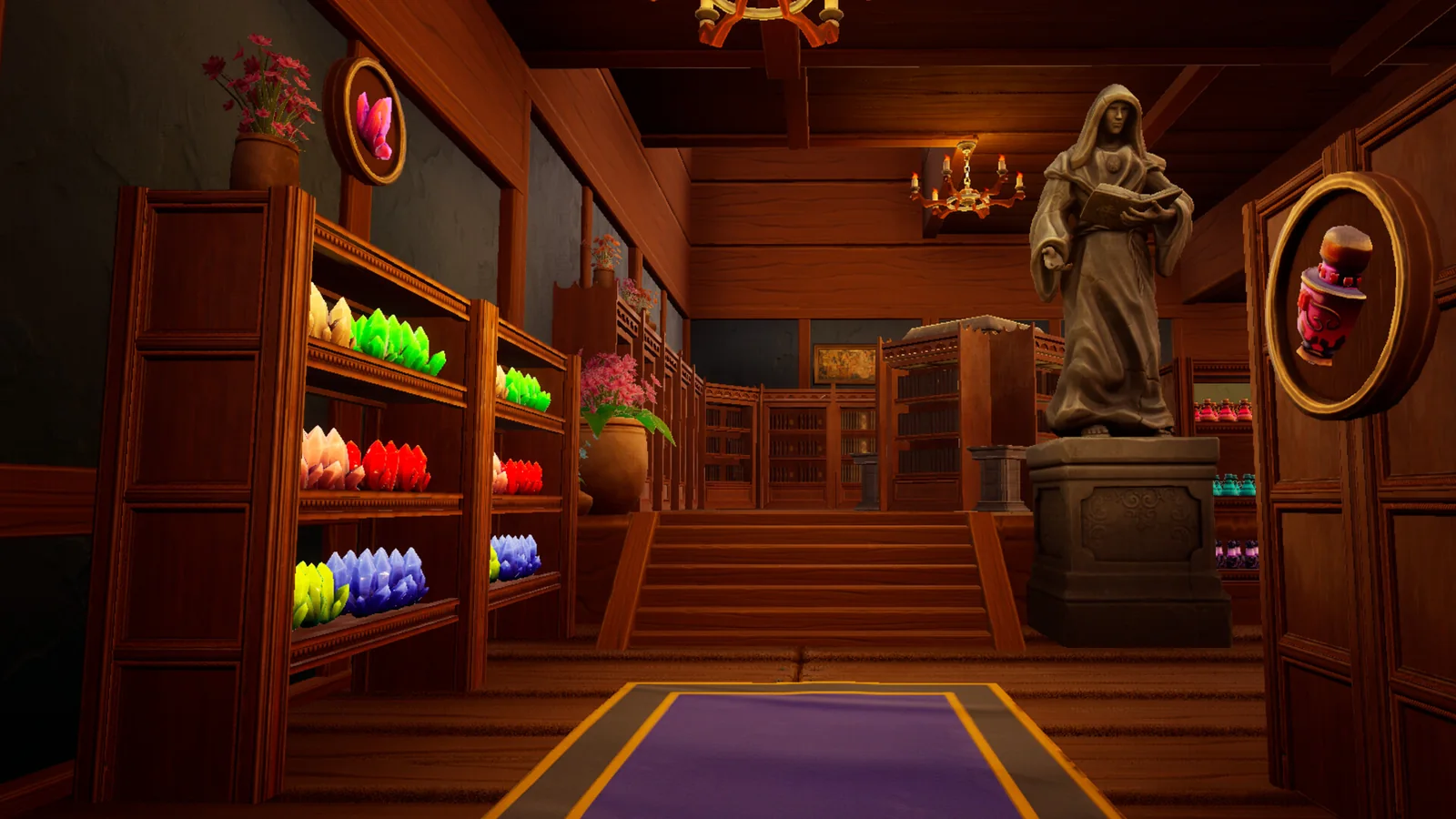
If a placard is hard to read, mouse over it for the item name. Completed placards have a distinct visual indicator.
PAGE 04
Recognize a placement preview
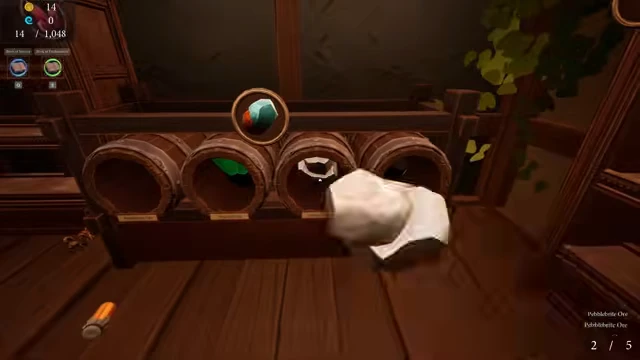
This ore is held beside its barrel display. The placement preview marks the receiving position; the item count at upper left tracks objects already arranged.
PAGE 05
Finish the collection and check its reward
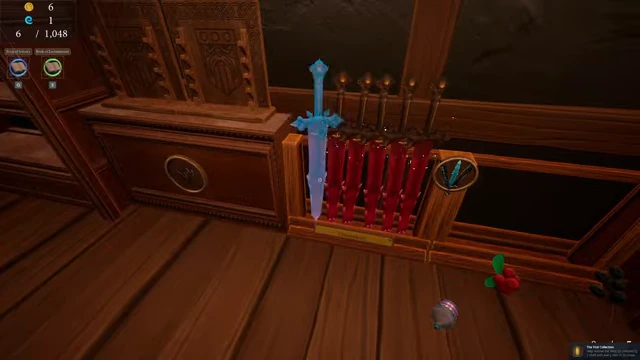
- For the Crimsonheart example, carry the red sword to the rack already holding matching red swords.
- Place the last sword into the remaining position. In this sequence the arranged count changes from 5 to 6 and the carrying counter empties.
- Check the blue skill-point balance: it changes from 0 to 1, with The First Collection achievement appearing.